

Advanced Offer Customizations & FAQ
Advanced Modifications to Offers
Radio Button / Checkbox Reset
It is possible to customize radio buttons and checkboxes, but it requires adding a <button> element within the components before applying styles.
Frequency Dropdown Toggle
To hide or show the frequency selector based on whether a customer has opted into a subscription, you need to restructure the HTML so the frequency selector is an adjacent sibling of the opt-in component.
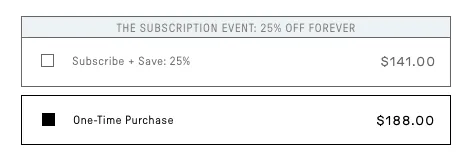
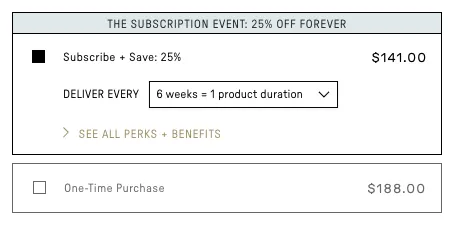
Frequently Asked Questions
How do I know which template is being used on my site?
Our system seeks to find the offer template that matches what is being called on the site from within the location attribute inside the og-offer snippet. For example:
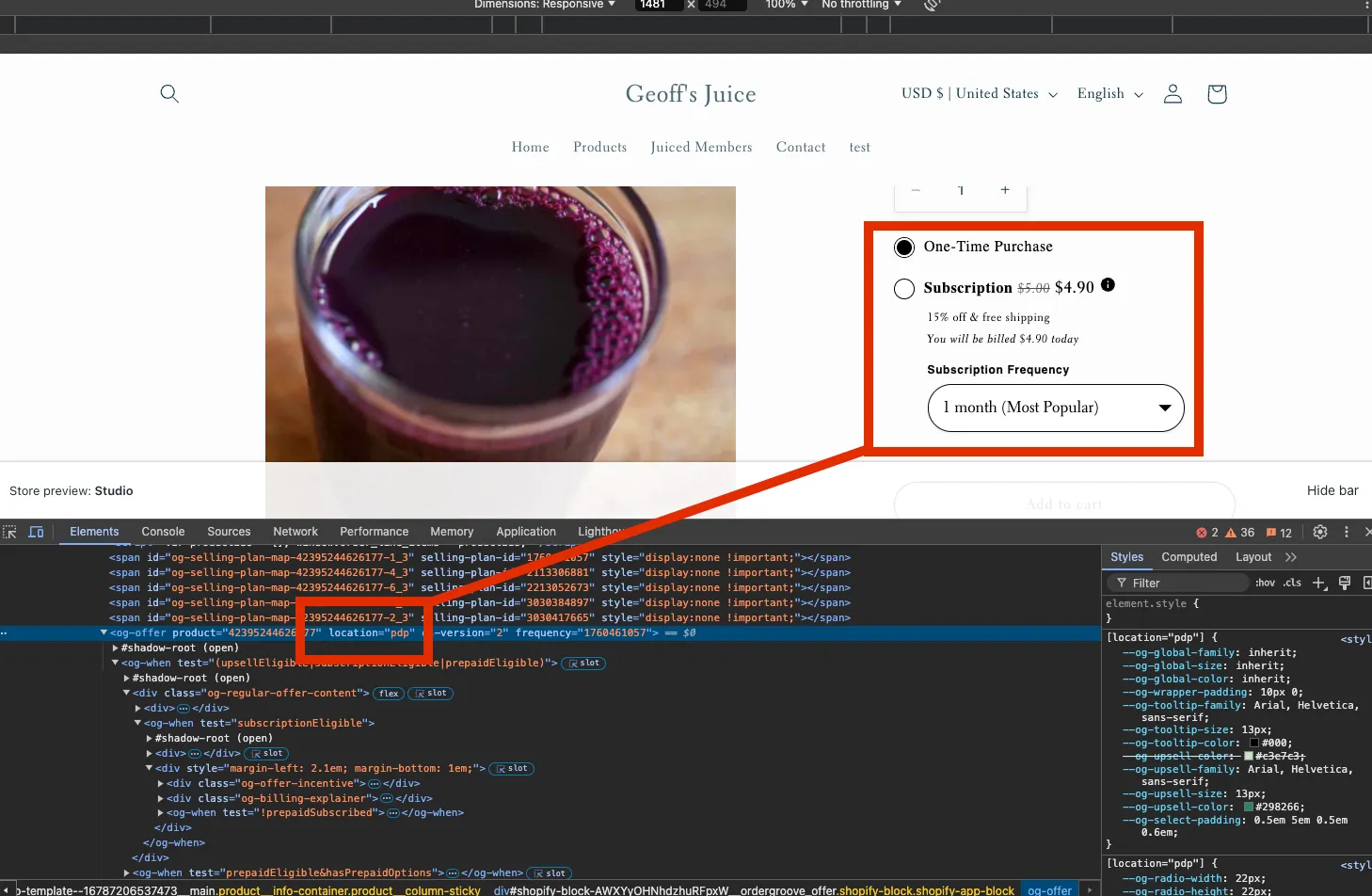
If no location is specified, the system will load the Default template.
How can I see what location, if any, is tagged on my page?
The fastest way to determine the location tagging of an offer is to inspect the page. Highlight a section of the offer, right-click, and select Inspect.
I have a lot of templates and some are even named the same. How do I know which is being used on my site?
Our system searches for templates from oldest to newest. From the Templates section, this is essentially left to right, top to bottom.
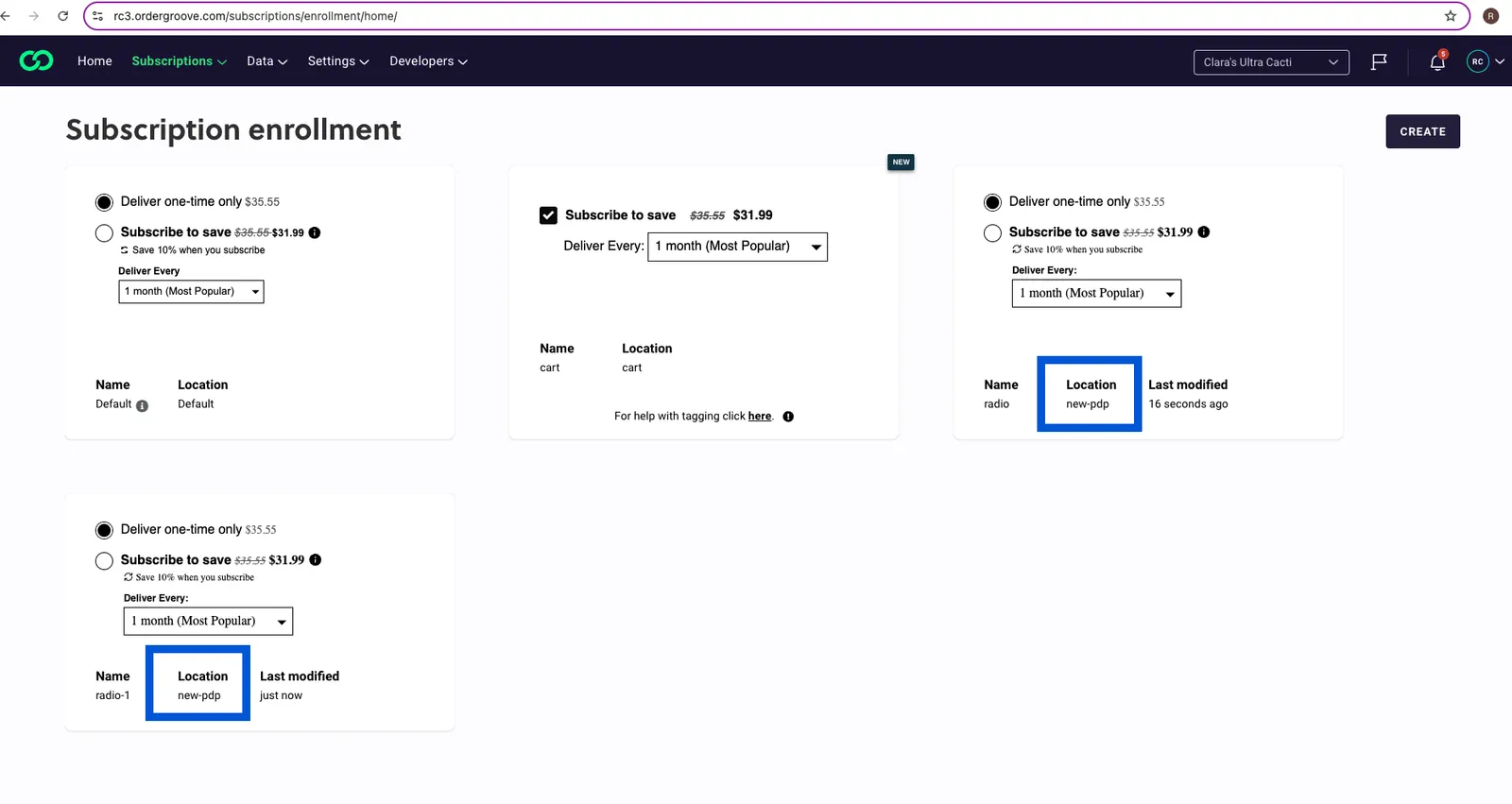
If two templates share the same name, the site will serve up the one that appears first in this order — it is the older of the two and will be found first by our system.
I don't see a location specified on my PDP. What does that mean?
In these instances, the Default template will be loaded by the system.
I don't have a template stored in Ordergroove that matches the location I'm calling on my PDP. What does that mean?
The Default template will be loaded if the system is not able to find a match to what you’re calling from the location="" attribute.
I'm having trouble targeting certain sections of the offer using CSS. What are the current styling limitations?
We’ve worked hard to encapsulate our offers to avoid styling or functionality collisions when integrating with your site. You’ll notice that some parts of the offer exist within a #shadow-root element.
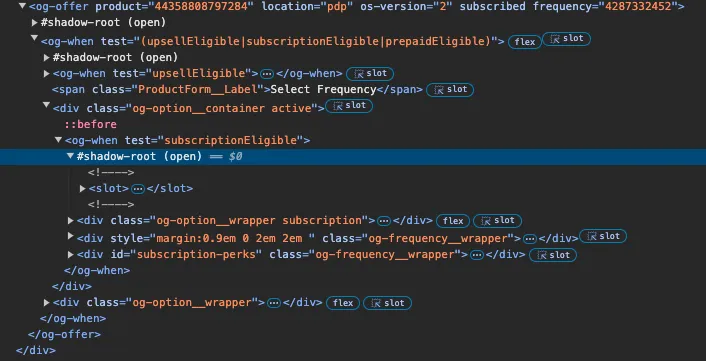
At this time, our developers have not yet exposed some of those elements for modification. Some clients have made customizations by creating custom code on their side and adding it to their site files outside of Ordergroove.