Orders Unsent Section

An overview of the order-unsent.liquid file structure and its components

View as Markdown

This article contains information about the Orders Unsent Section in the Subscription Manager. For an overview of all elements, take a look at Subscription Manager Components & Containers.


The order-unsent.liquid file can be broken down into three sections:

Header

Body

Footer
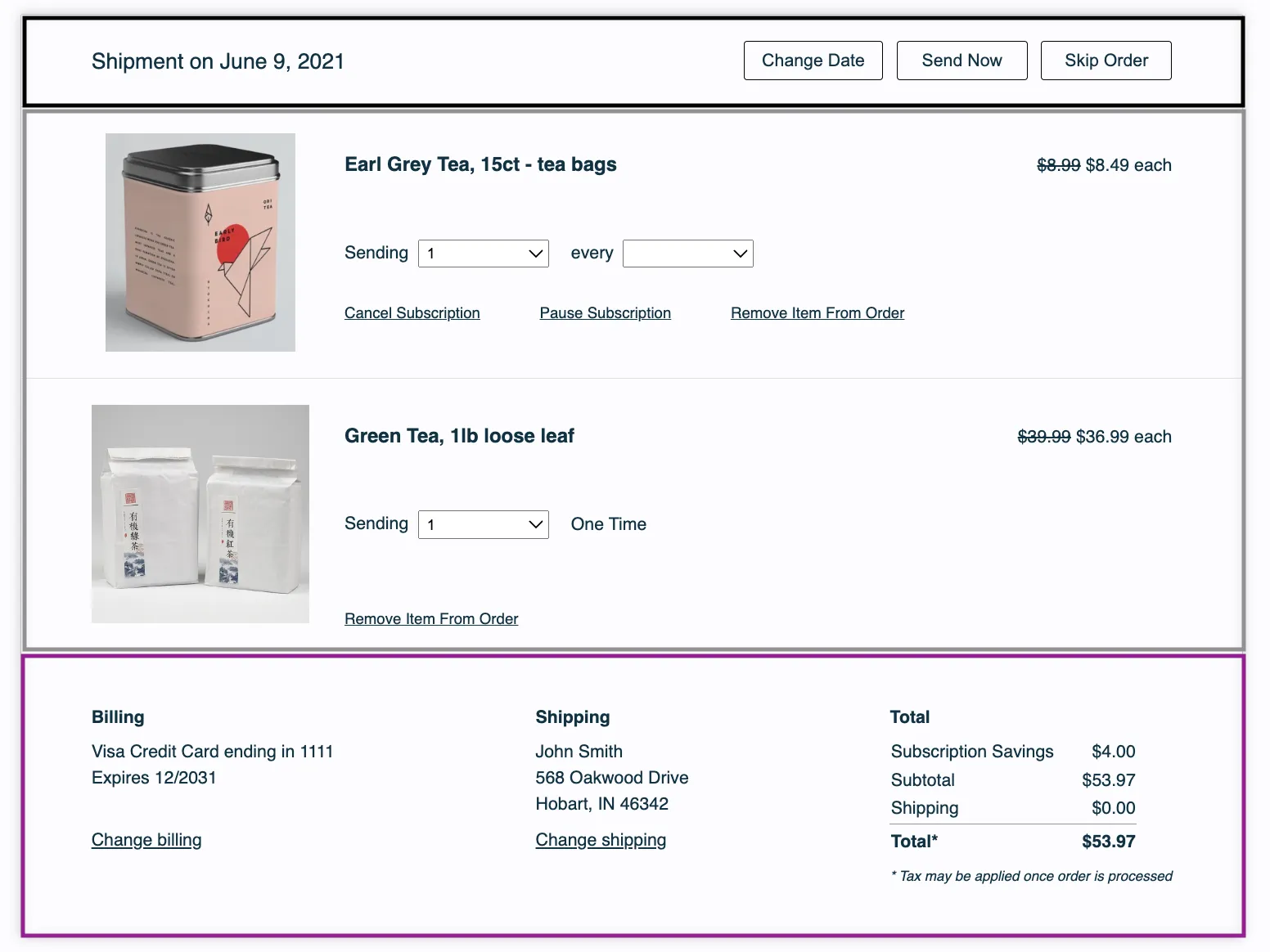

In this section:

Next Order Date

Order Action Buttons


Next Order Date

It can be found here:

1<div class="og-shipment-info">
2 <span class="og-shipment-on og-desktop">{{ 'shipment_unsent_header' | t }}</span>
3 {{ order.place | date }}
4
5 <div class="og-mobile">
6 {% include 'change-date' %}
7 </div>
8</div>

Order Action Buttons

The order action buttons in the header can be found in this part of the code:

1{# Shipment controls #}
2 <div class="og-shipment-header-controls og-desktop">
3 {% include 'change-date' %}
4 {% include 'send-now' %}
5 {% include 'skip' %}
6 </div>

Each button has its own liquid file:

  • Change Date — {% include 'change-date' %}change-date.liquid
  • Send Now — {% include 'send-now' %}send-now.liquid
  • Skip — {% include 'skip' %}skip.liquid

Body

Like the header, this section is broken down into the following smaller sub-sections.

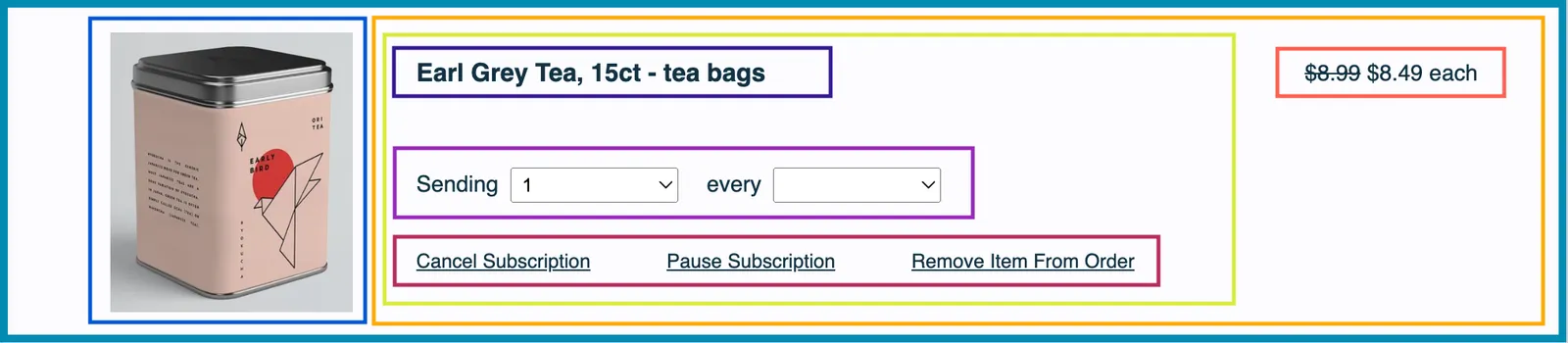
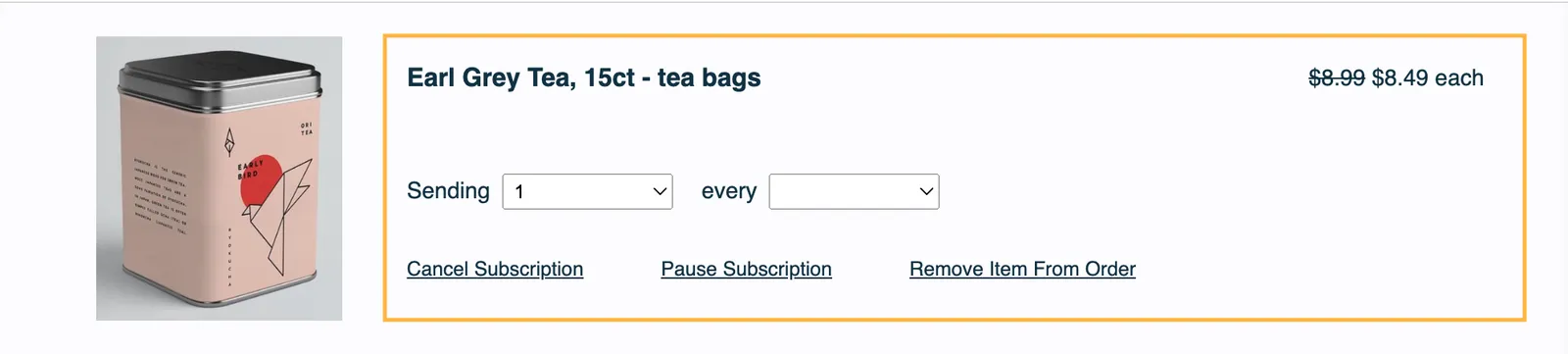
OG Product

This section contains:

Product Image Container

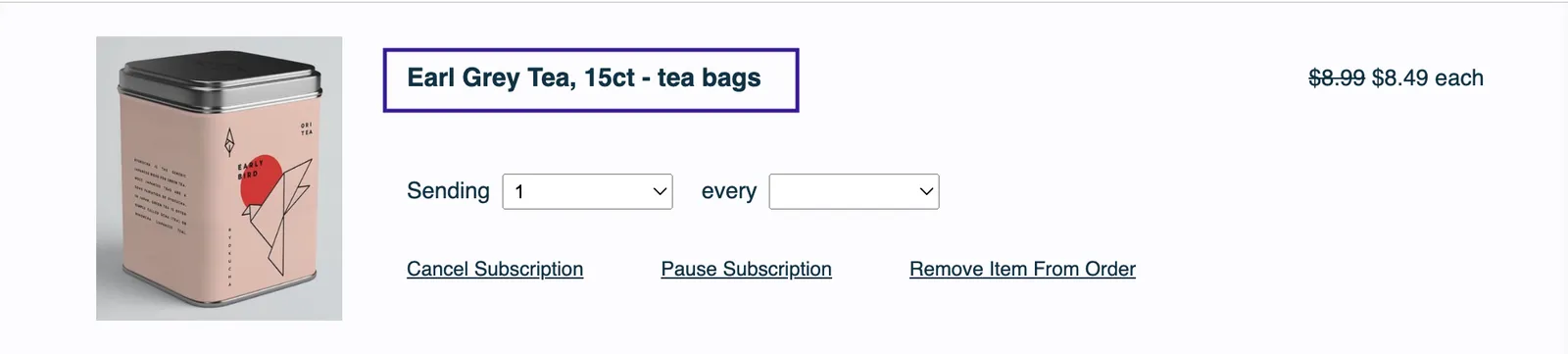
Product Name and Price Container

Product and Controls

Product Description

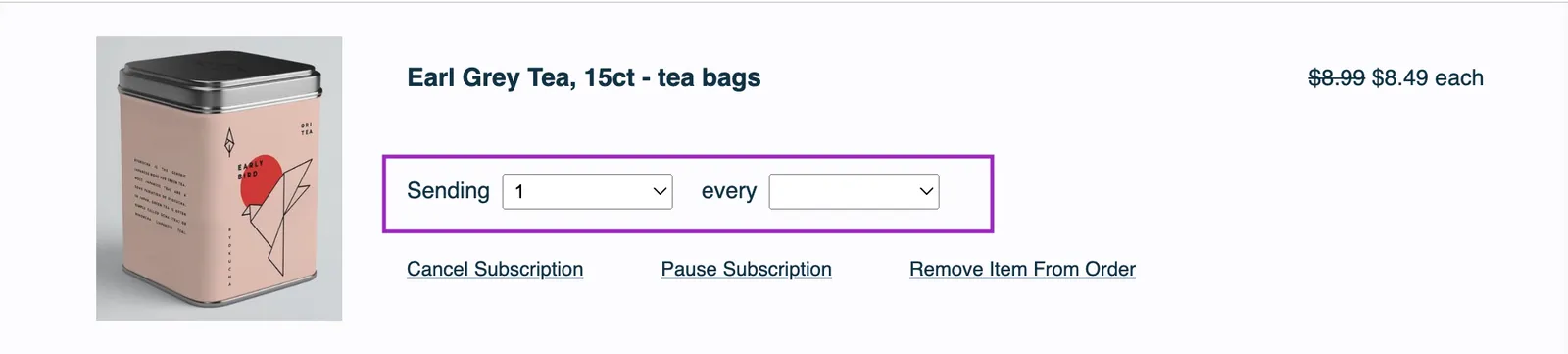
Frequency and Quantity Controls

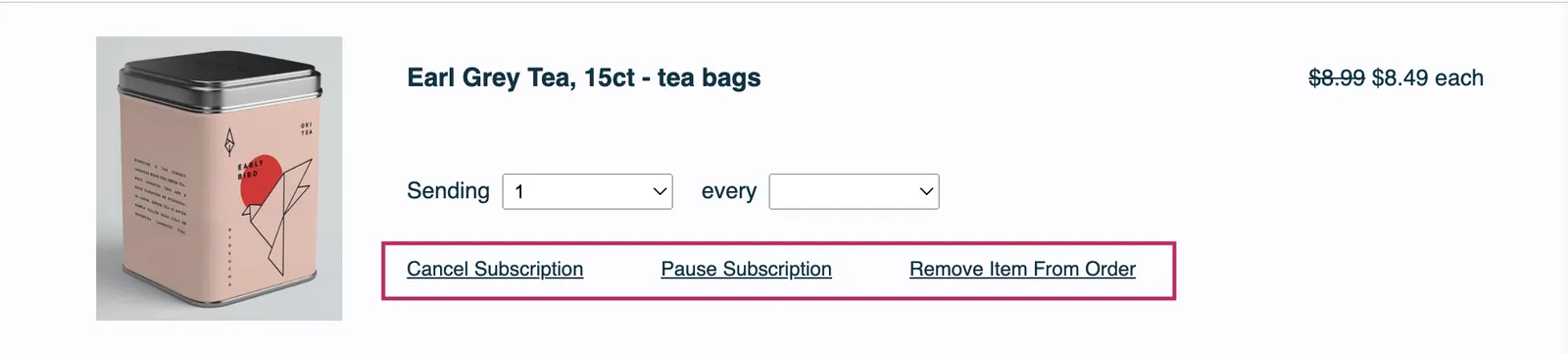
Remove Action Controls

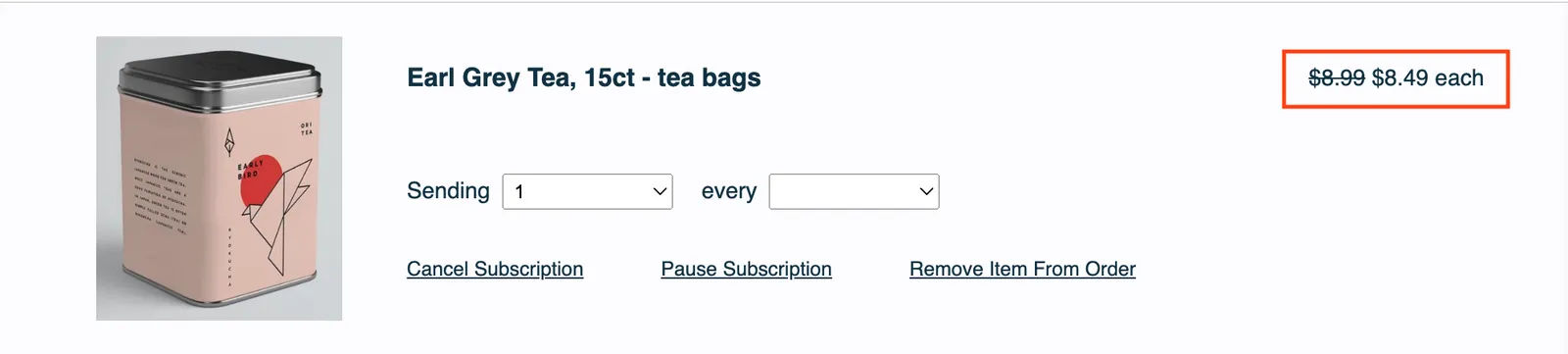
Price

The section can be found here:

1<div class="og-product" og-item-id="{{ order_item.public_id }}" og-subscription-id="{{ order_item.subscription }}">

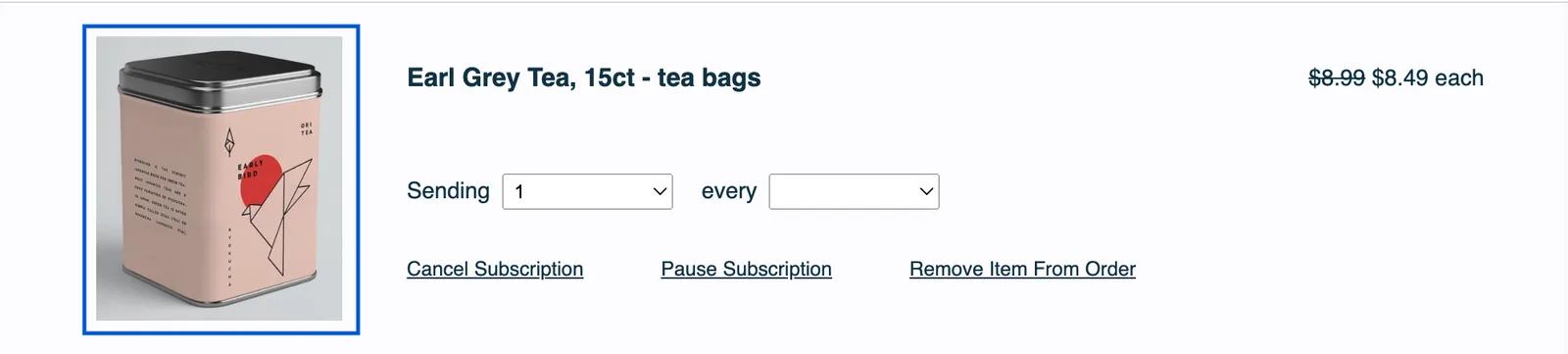
Product Image Container

This section holds the product image and can be found here:

1<div class="og-product-image-container">
2 <img class="og-product-image" loading="lazy" alt="{{ product.name }}" src="{{ product.image_url | if_defined }}" />
3</div>

Product Name and Price Container

The section can be found here:

1<div class="og-name-price-controls-container">

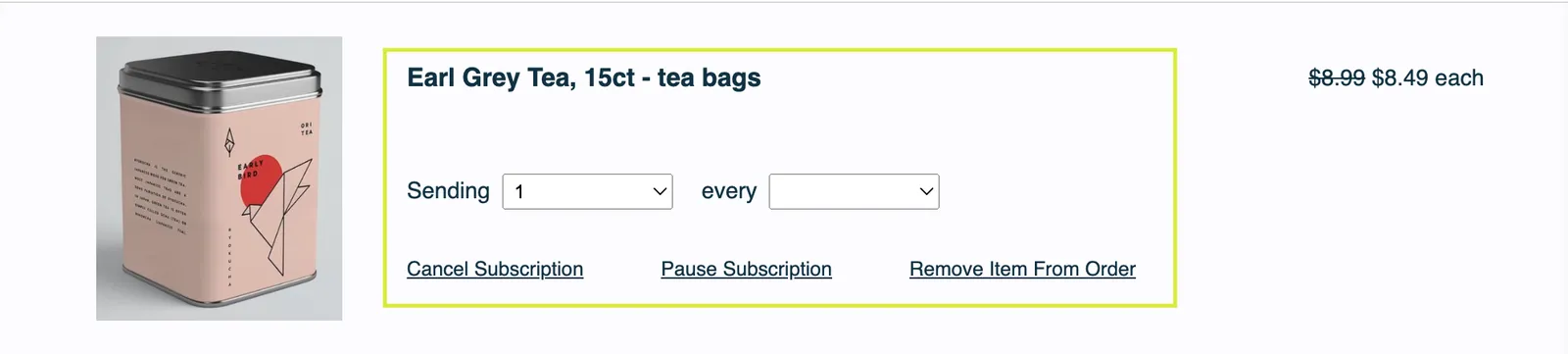
Product and Controls

1<div class="og-description-and-controls">

Product Description

This section contains:

  • Product Name
  • SKU Swap
  • Item Price for Mobile

The section can be found here:

1<div class="og-product-description" ?data-prepaid="{{ is_prepaid }}">
2 <h3 class="og-product-name">
3 <a href="{{ product.detail_url | if_defined }}">{{ product.name }}</a>
4 </h3>
5 <h4 class="og-product-display-name">{{ product.display_name }}</h4>
6 {% if subscription %}
7 {# Change product control #}
8 {% include 'change-product' %}
9 {% endif %}
10 <div class="og-mobile">
11 {% include 'order-item-price' %}
12 </div>
13</div>

Frequency and Quantity Controls

The section can be found here:

1<div class="og-freq-quantity-controls">
2 {% if subscription %}
3 {# Quantity control #}
4 {% include 'change-quantity'%}
5
6 {# Frequency control #}
7 <div class="og-freq">
8 <span>{{ 'item_controls_every' | t }}</span>
9 {% include 'change-subscription-frequency' %}
10 </div>
11{% else %}
12 <div class="og-freq-quantity-controls">
13 {# Quantity control #}
14 {% include 'change-quantity'%}
15 {# One Time Frequency Display #}
16 <div class="og-freq">
17 <span>{{ 'one_time_notice' | t }}</span>
18 </div>
19 </div>
20{% endif %}
21</div>{# /og-freq-quantity-controls #}

Remove Action Controls

The section can be found here:

1<div class="og-item-remove-actions">
2
3{# If the order item has a subscription, display subscription controls #}
4{% if subscription %}
5{# Cancel subscription control #}
6{% include 'cancel-subscription' %}
7
8{# Pause subscription control #}
9{% include 'pause-subscription' %}
10{% endif %}
11
12{# If the order item is one time or belongs to an order with more than one order item, display delete item control #}
13{% if current_order_items.length > 1 or not subscription %}
14{% include 'delete-item' %}
15{% endif %}
16
17</div>

Cancel subscription, pause subscription, and remove item each have their own liquid file:

  • Cancel Subscription — {% include 'cancel-subscription' %}cancel-subscription.liquid
  • Pause Subscription — {% include 'pause-subscription' %}pause-subscription.liquid
  • Remove Item — {% include 'delete-item' %}delete-item.liquid

Price

The section can be found here:

1<div class="og-desktop">
2 {% include 'order-item-price' %}
3</div>

This is for desktop only.


This section contains:

Billing and Shipping

Order Price Summary
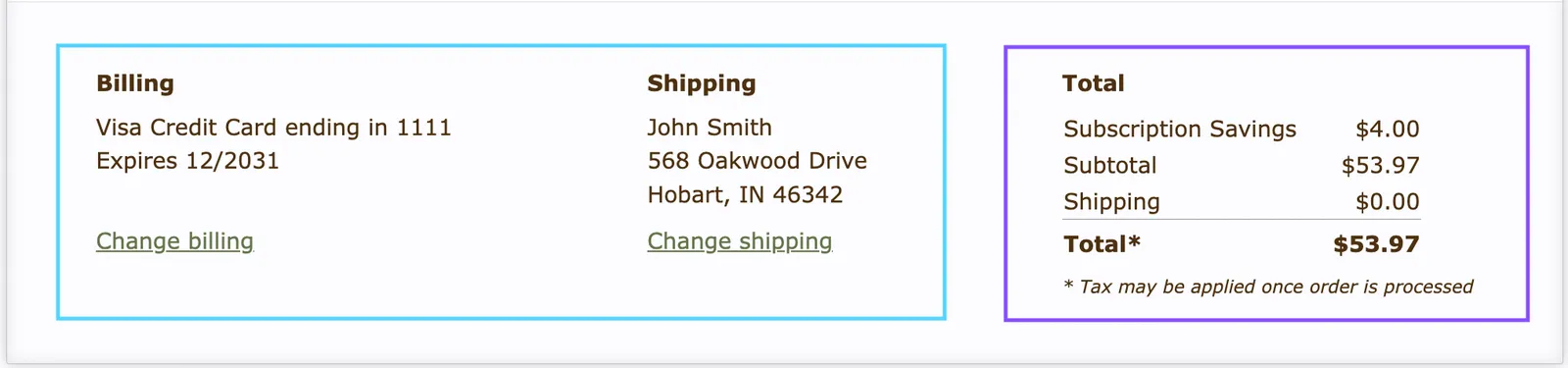
The code can be found here:

1<div class="og-shipment-footer">
2<details class="og-mobile og-mobile-payment-shipping">
3
4<div class="og-payment-shipping">
5{% include 'billing-shipping-details' %}
6</div>
7<div class="og-total-table-mobile">
8{% include 'order-total' %}
9</div>
10<summary>
11<div>
12{{ 'billing_total_header' | t }} - {{ order.total | currency }}
13</div>
14</summary>
15</details>{# /og-mobile-payment-shipping #}
16<div class="og-payment-shipping og-desktop">
17
18{% include 'billing-shipping-details' %}
19{% include 'order-total' %}
20
21</div>{# /og-payment-shipping #}
22</div>{# /og-shipment-footer #}
  • Billing and Shipping — {% include 'billing-shipping-details' %}billing-shipping-details.liquid
  • Order Price Summary — {% include 'order-total' %}order-total.liquid