

1-Click Actions in Emails
Redirect customers to a location of your choice using 1-Click URLs in emails to delay or cancel future shipments
Ordergroove supports 1-Click URLs in emails to redirect customers to a location of your choice. This is usually used to delay or cancel future shipments.
For general information about 1-Click and the actions available, take a look at 1-Click Actions Overview in the Knowledge Center. In this guide we’ll go through how to set it up.
1. Email Setup
Reach out to Ordergroove — we will add a token value as a dynamic field in the email trigger content.
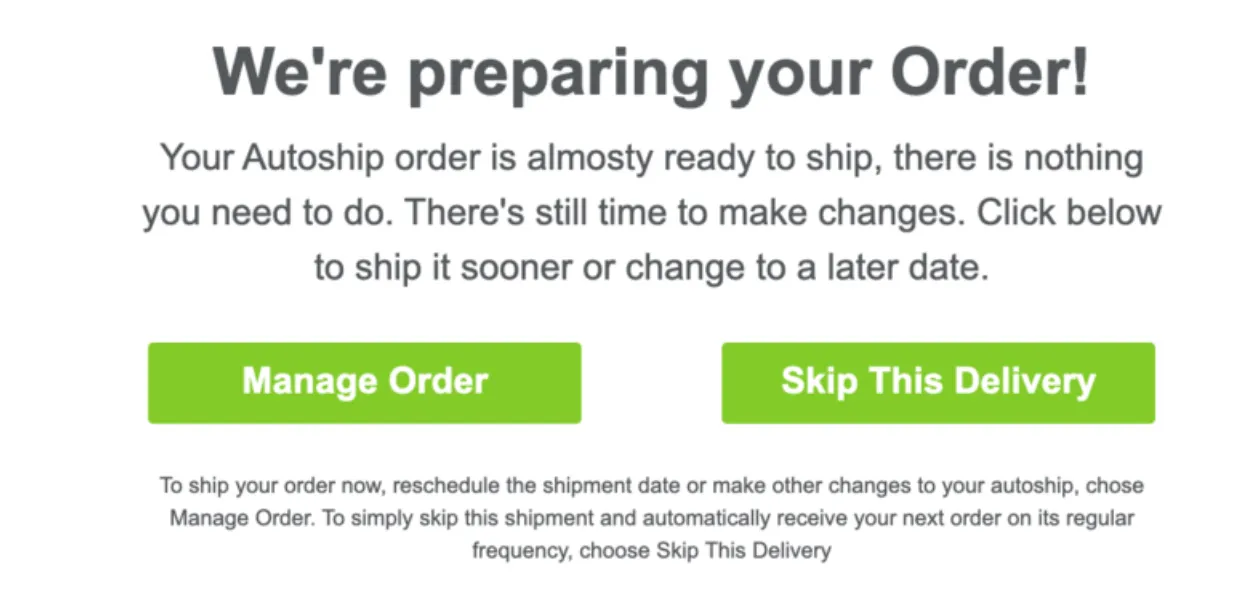
2. Confirmation Experience
Once the customer has reached the landing page and completed the one-click flow confirmation that you have built, follow the steps below to trigger the confirmation to Ordergroove.
-
Take the token query parameter value from the URL.
-
Decode this value using JavaScript built-in functions:
Decoding from Step 2 will give you a value such as:
-
Take the value of
resource_idand call the Ordergroove endpoint:- Staging:
https://staging.restapi.ordergroove.com/orders/<resource_id>/cancel/ - Production:
https://restapi.ordergroove.com/orders/<resource_id>/cancel/
With the following headers:
Authorization:JSON.stringify(<auth>)Content-Type:application/json
- Staging:
-
The value of
<auth>is taken directly from the parsed token value:
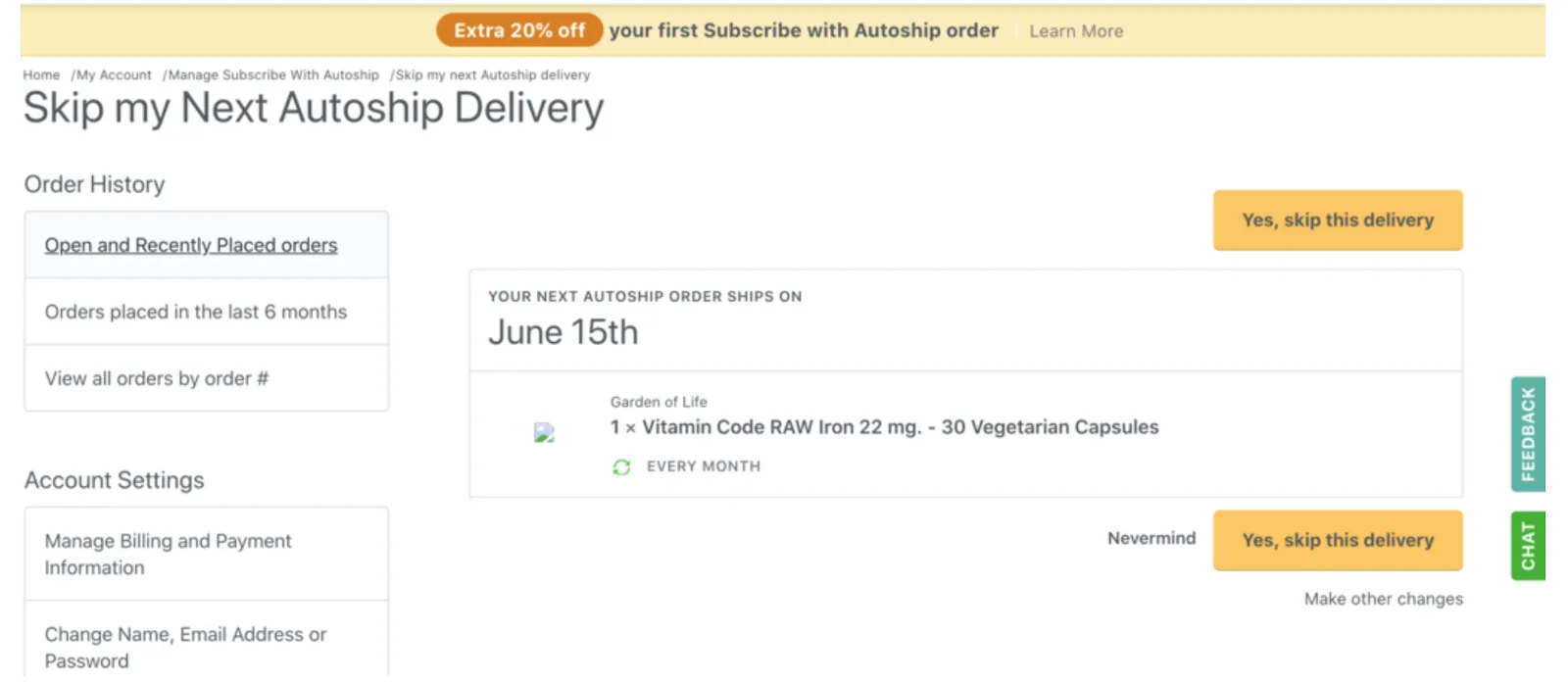
You’ve now implemented a Skip Order feature into your order reminder emails.