

Developing for Subscription Manager Overview
Ordergroove’s Subscription Manager provides a wide range of customizations both out of the box and directly in your Subscription Manager code. This article links to crucial information you’ll need for developing your Subscription Manager to get you up and running as quickly as possible.
Tagging the Subscription Manager
To use the Subscription Manager on your site, you will need to add a link on your pages. This guide walks through how to tag your Subscription Manager on Shopify.
Subscription Manager Versions
Your Subscription Manager version is frozen when you make changes to your Subscription Manager. In September 2024, we introduced v25 (also known as Subscription Manager 2.0). All merchants have access to v25 by creating a new theme in the Subscription Manager Theme Designer.
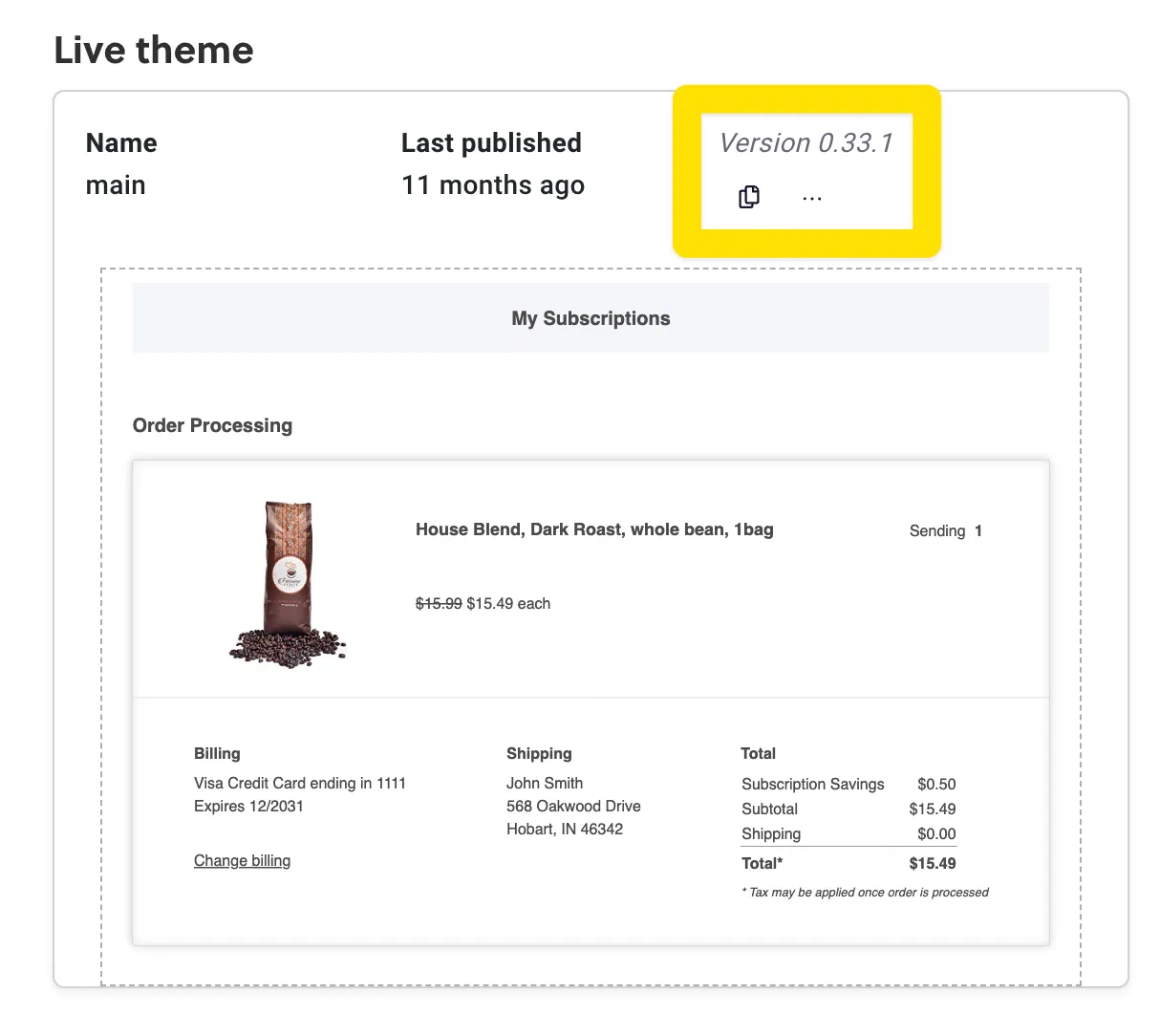
Before the September 2024 release of v25, all Subscription Manager installations were on version 0, displayed in the Theme Designer as version 0.X.X. You can check which version you’re on by going to Ordergroove > Subscription > Subscription Manager.
Our Tour of Subscription Manager v25 has all the information you need to find your way around our newest version. If you want information on an older version of the Subscription Manager, check out our guides to v0 templates.
Basic vs Advanced Editor
Our Basic editor has many of the tools you need to create a customized Subscription Manager, while the Advanced editor allows you to fully customize the code. Check out this guide to determine which editor is best for you.
Editing Your Theme
Our Subscription Manager is built on a custom implementation of Nunjucks and lit-html. Before you start editing the code, it will be helpful to read through our Subscription Manager Development Guide, which walks through the programming language. That section also contains further details about the objects available, how to leverage Subscription Manager localizations, and debugging your code.
API Requests
Developers creating custom flows in their Subscription Manager might need to make API requests to Ordergroove or external APIs. This guide walks through different methods for calling Ordergroove’s API from the Subscription Manager, and this guide discusses how to integrate external APIs.