<div class="og-send-shipment-now-button">
<button class="og-button" type="button" @click={{ 'show_closest_modal' | js }}>
{{ 'shipment_send_now_button' | t }}
</button>
<dialog aria-hidden="true">
<form action="{{ 'send_now' | action }}" @success={{ 'close_closest_modal' | js }} @reset={{ 'close_closest_modal' | js }}>
<div class="og-dialog-header">
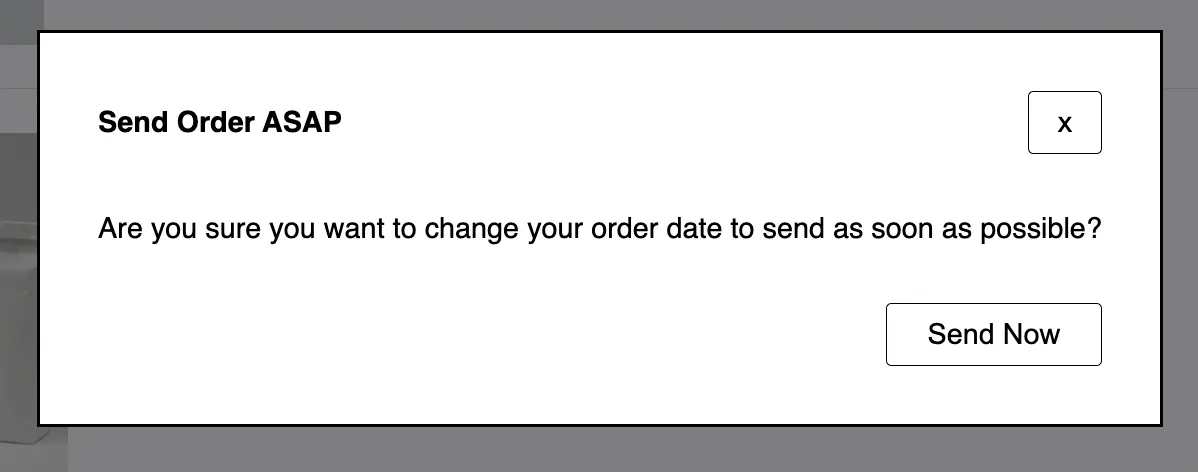
<h5 class="og-dialog-title">{{ 'modal_send_now_header' | t }}</h5>
<button class="og-button og-button-close" type="reset" aria-label="{{ 'modal_close' | t }}">
{{ 'modal_close' | t }}
</button>
</div>{# /og-dialog-header #}
<div class="og-dialog-body">
<input type="hidden" name="order" value="{{order.public_id}}"/>
{{ 'modal_send_now_body' | t }}
</div>{# /og-dialog-body #}
<div class="og-dialog-footer">
<button class="og-button" type="submit" name="send_now">{{ 'modal_send_now_save' | t }}</button>
</div>{# /og-dialog-footer #}
</form>
</dialog>
</div>{# /og-send-shipment-now-button #}