

Edit Code with the Advanced Editor
We have created a powerful editor to work right within Ordergroove. The advanced editor allows you to modify the files that make up the Subscription Manager — CSS styles, Liquid HTML templates, locale files, and even custom scripts.
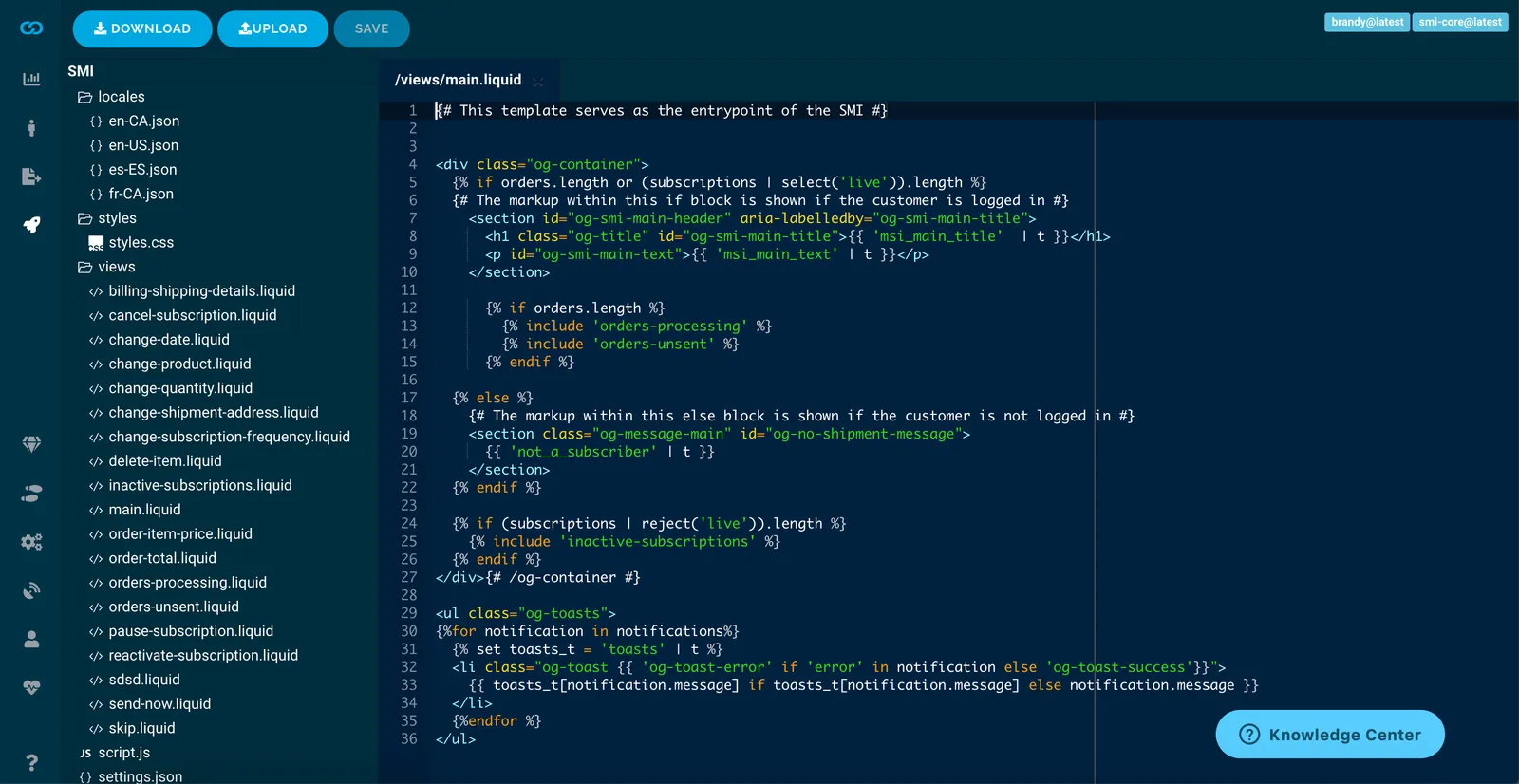
File Navigation
A full list of files is displayed using a standard file tree navigation on the left-hand side of the screen. You can click on a folder to hide the files contained within it. Clicking a collapsed folder reveals its contents again — useful when navigating a folder structure with many files.
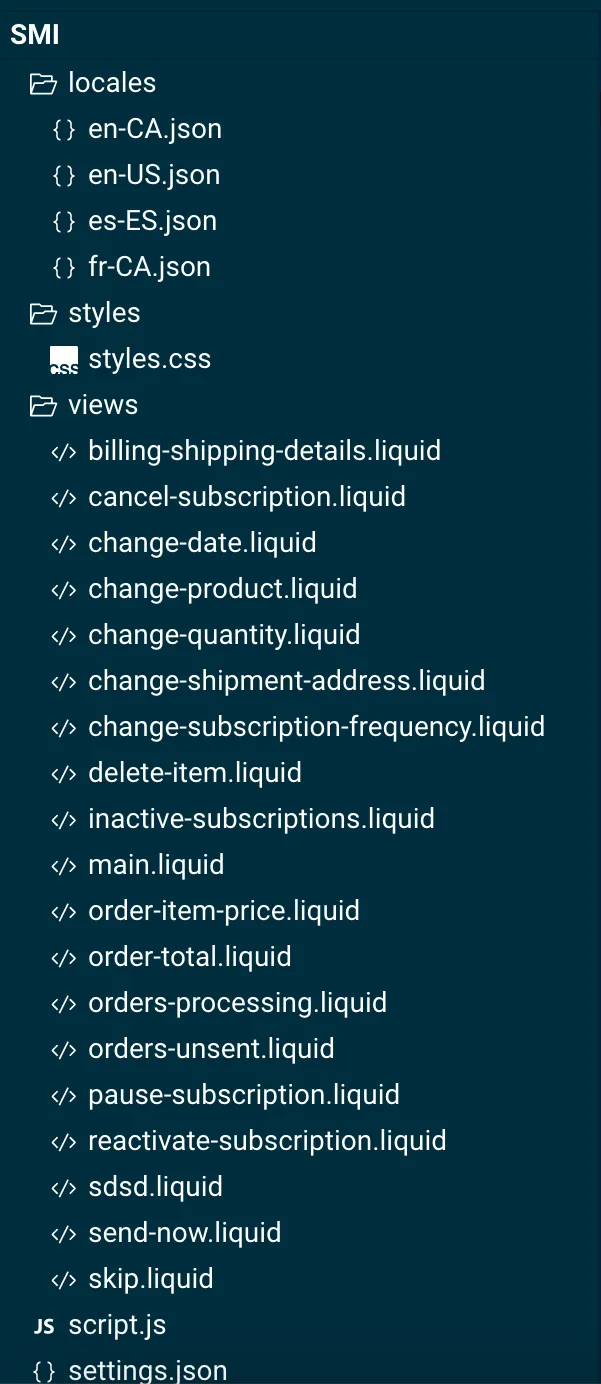
Clicking on a file opens it in the editor window to the right of the file navigation area.
Advanced Editor Window
The advanced editor window provides maximum horizontal and vertical space. Each file opens as a new tab. You can close an open tab by clicking the X button within that tab.
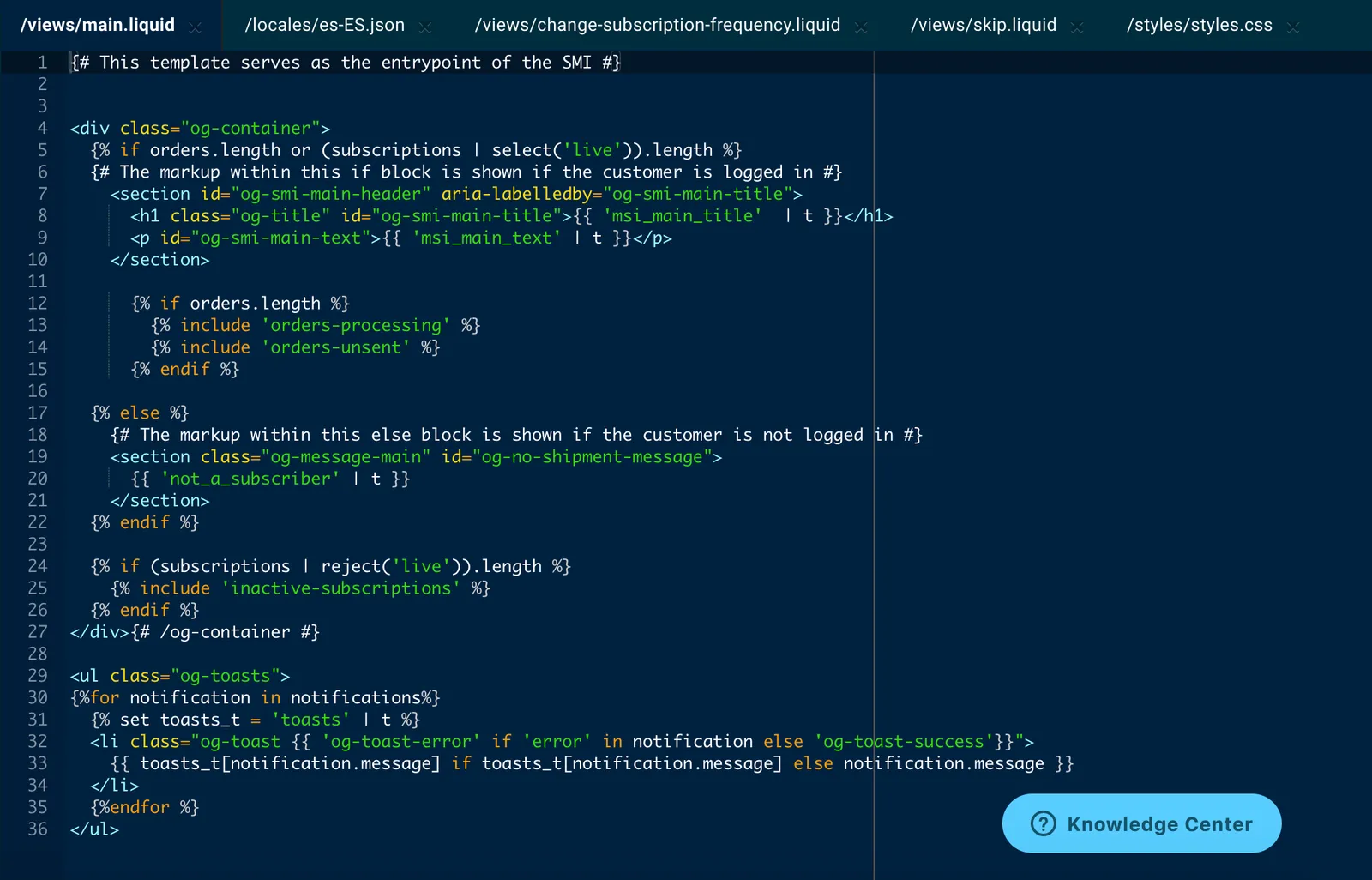
Syntax Highlighting
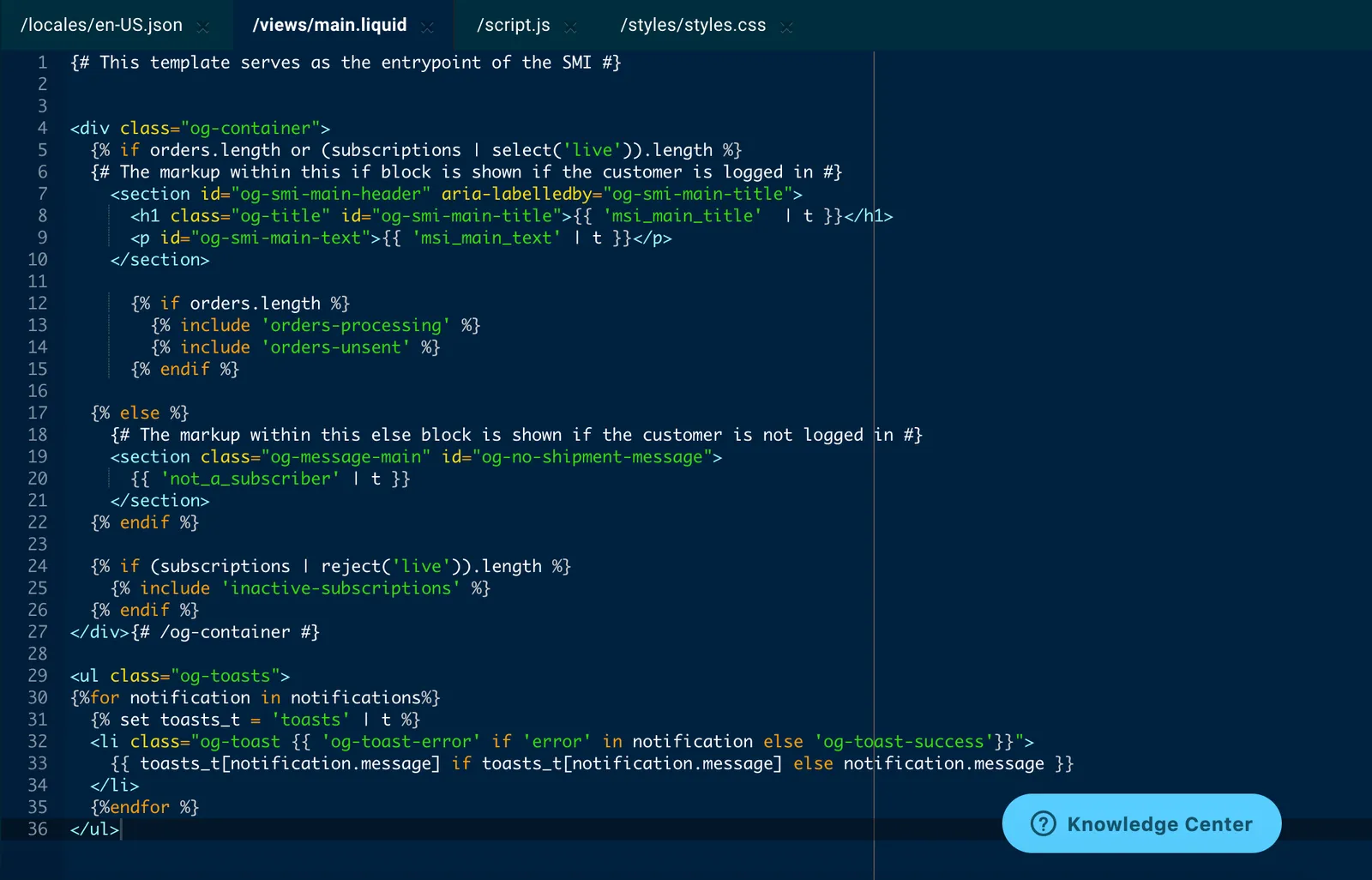
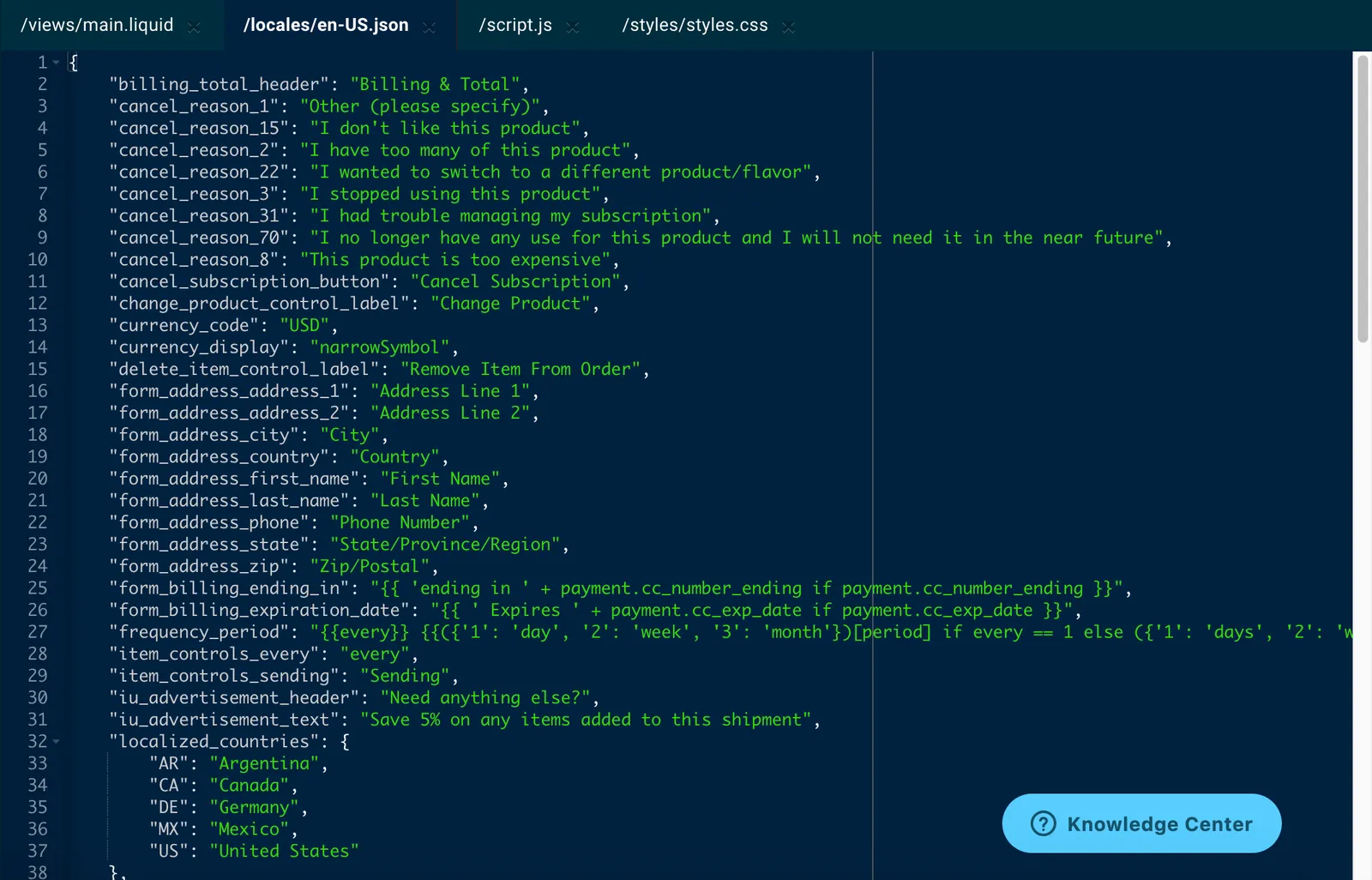
The advanced editor supports syntax highlighting for all file types supported in Ordergroove.
Liquid (Nunjucks variant)
JavaScript
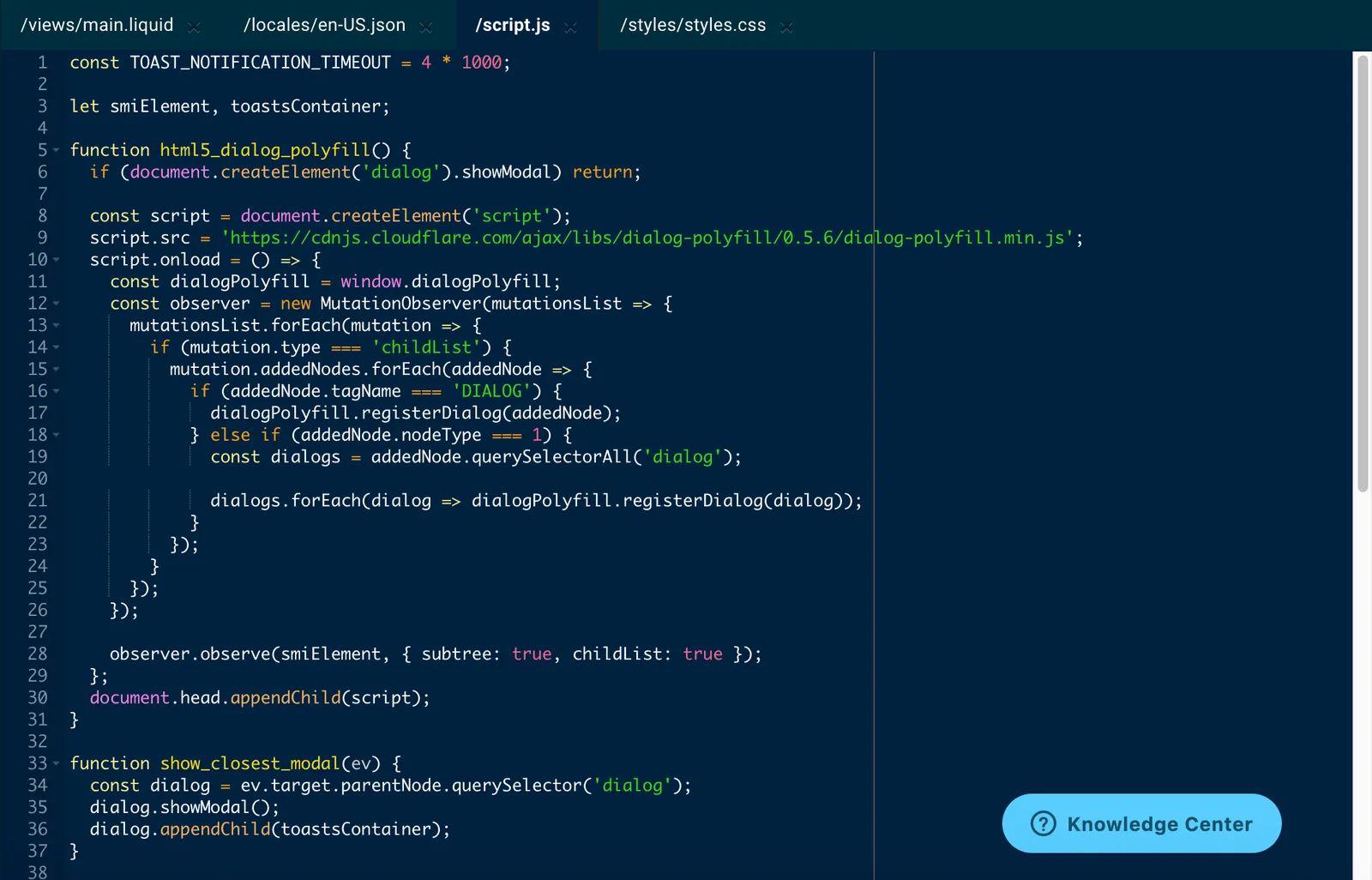
CSS
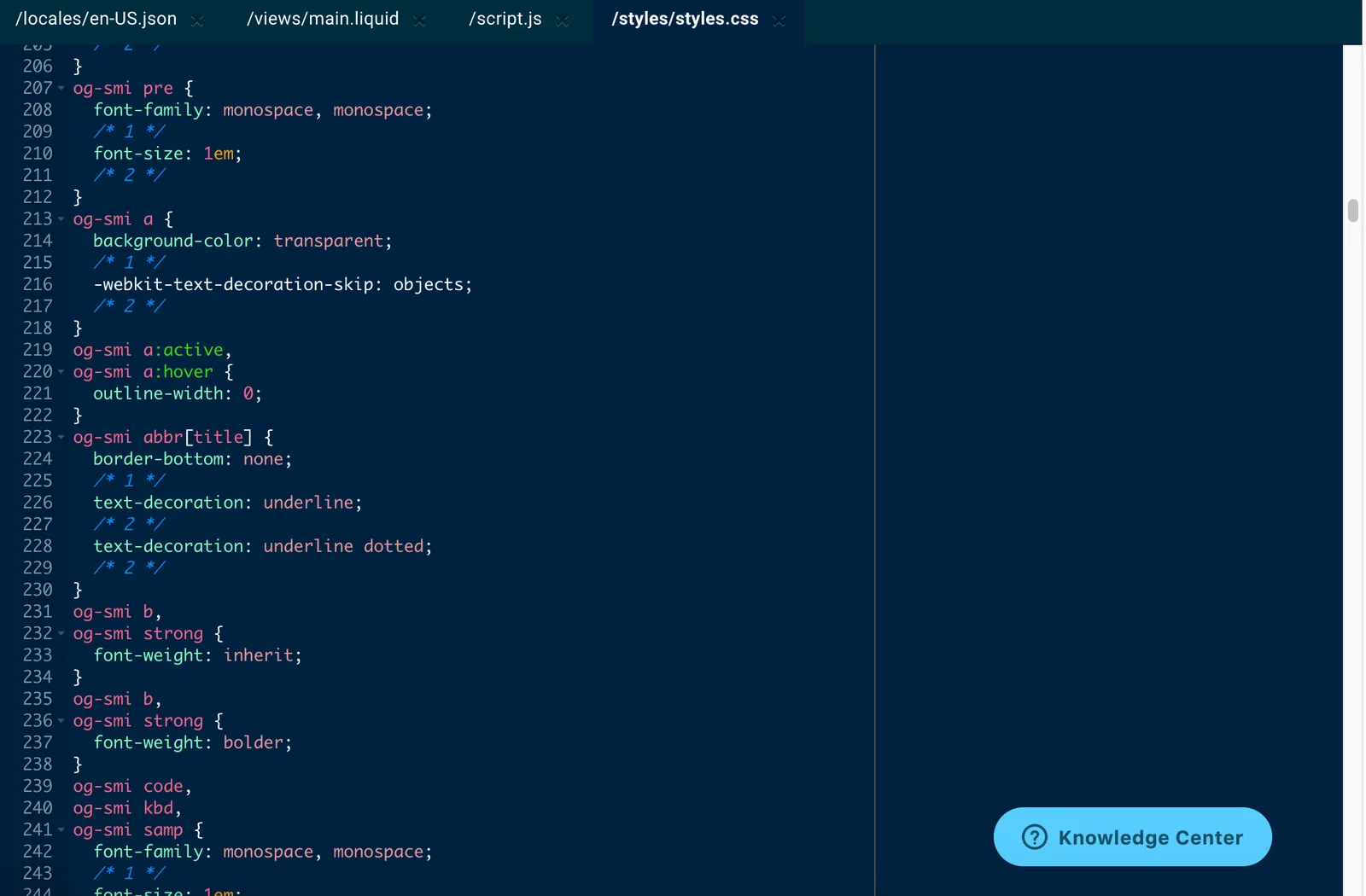
JSON
Local Development
If you’d prefer to work on your local machine, see Subscription Manager Local Development for setup instructions.